
Product preview
Verified App Screens and Real Experience
These screenshots are taken directly from the selected testing version of the Krishi Sahachar app. No fake or unverified data is displayed.
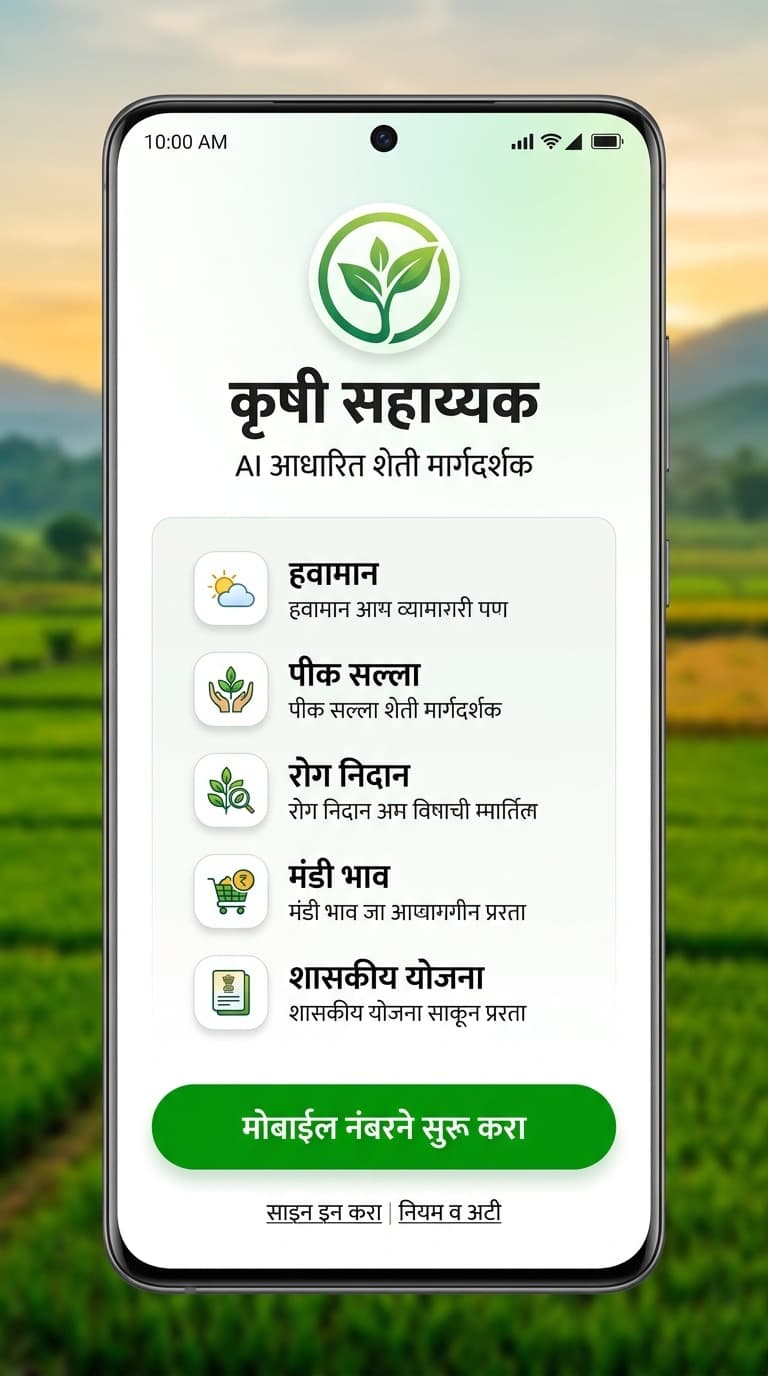
Actual test UI
A calm first welcome
A focused Marathi-first entry designed for farmers.
Current Marathi test screen • Other languages under validation
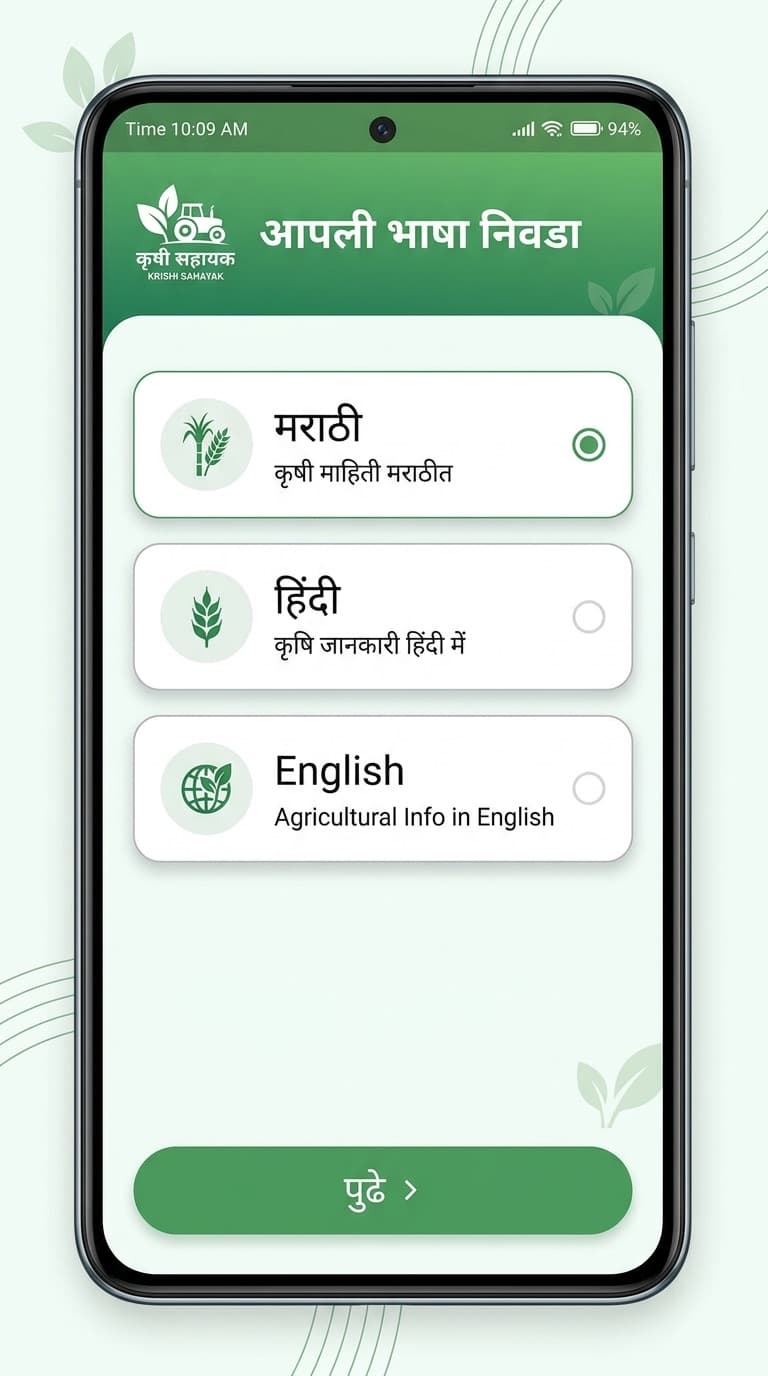
Actual test UI
Language choice upfront
The farmer controls the experience language from the beginning.
Current Marathi test screen • Other languages under validation
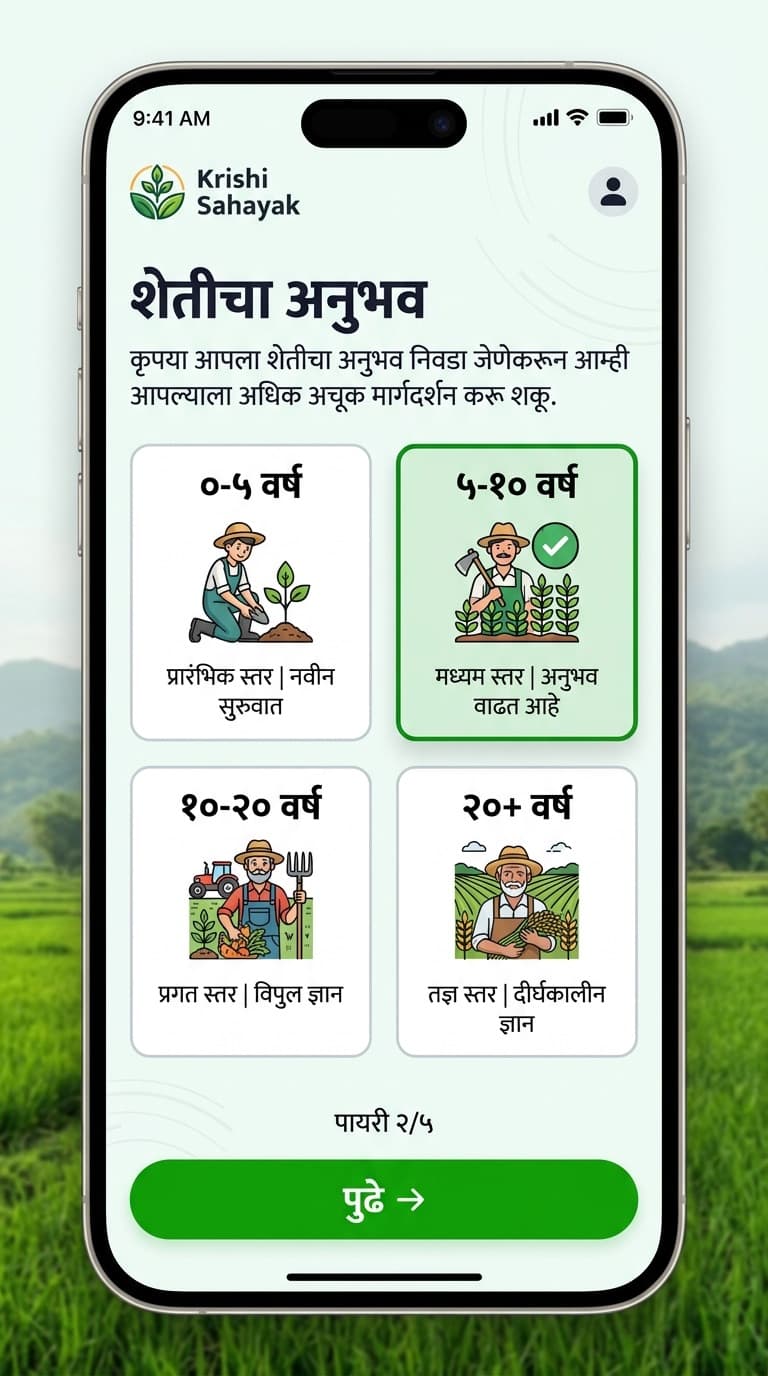
Actual test UI
Farming-experience context
A low-friction step to tailor future guidance without exposing identity here.
Current Marathi test screen • Other languages under validation
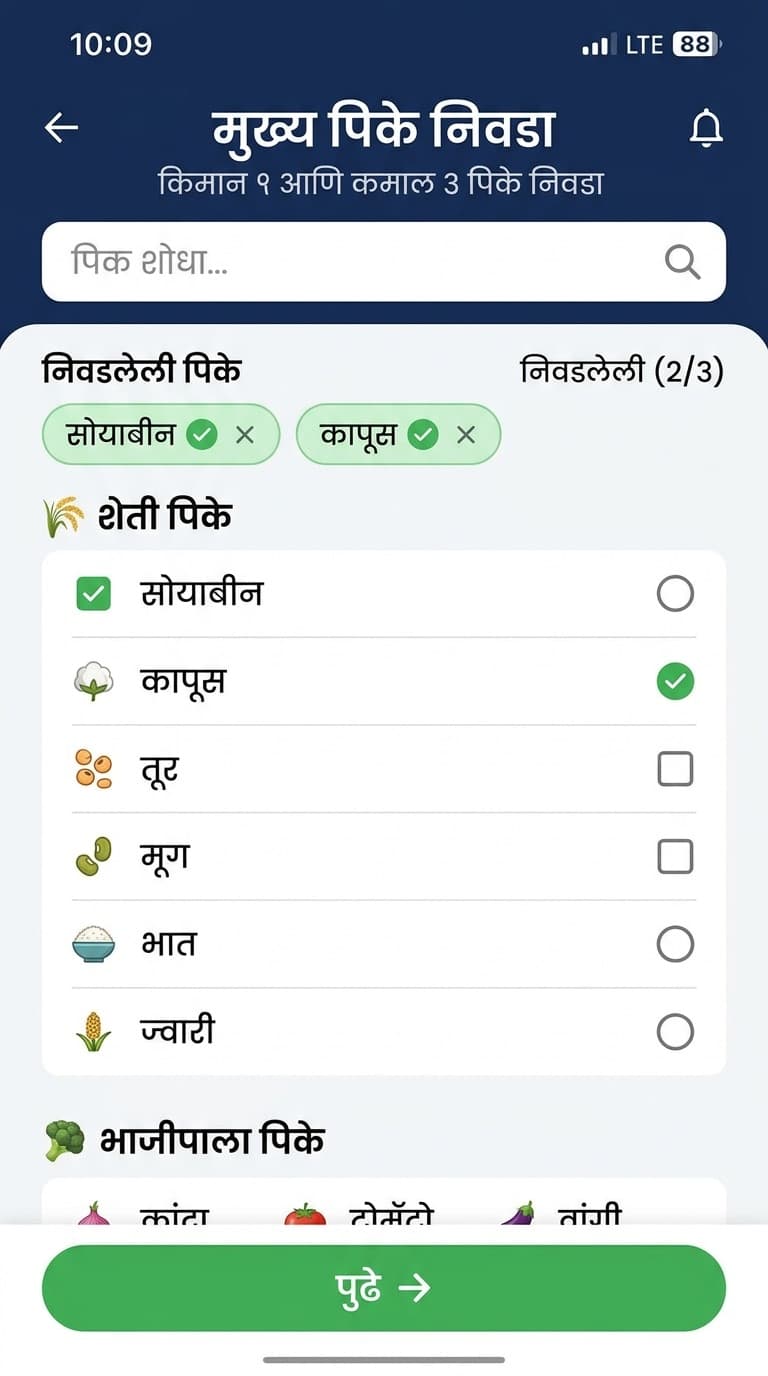
Actual test UI
Visual crop selection
A clear crop-selection step for building relevant farm context.
Current Marathi test screen • Other languages under validation
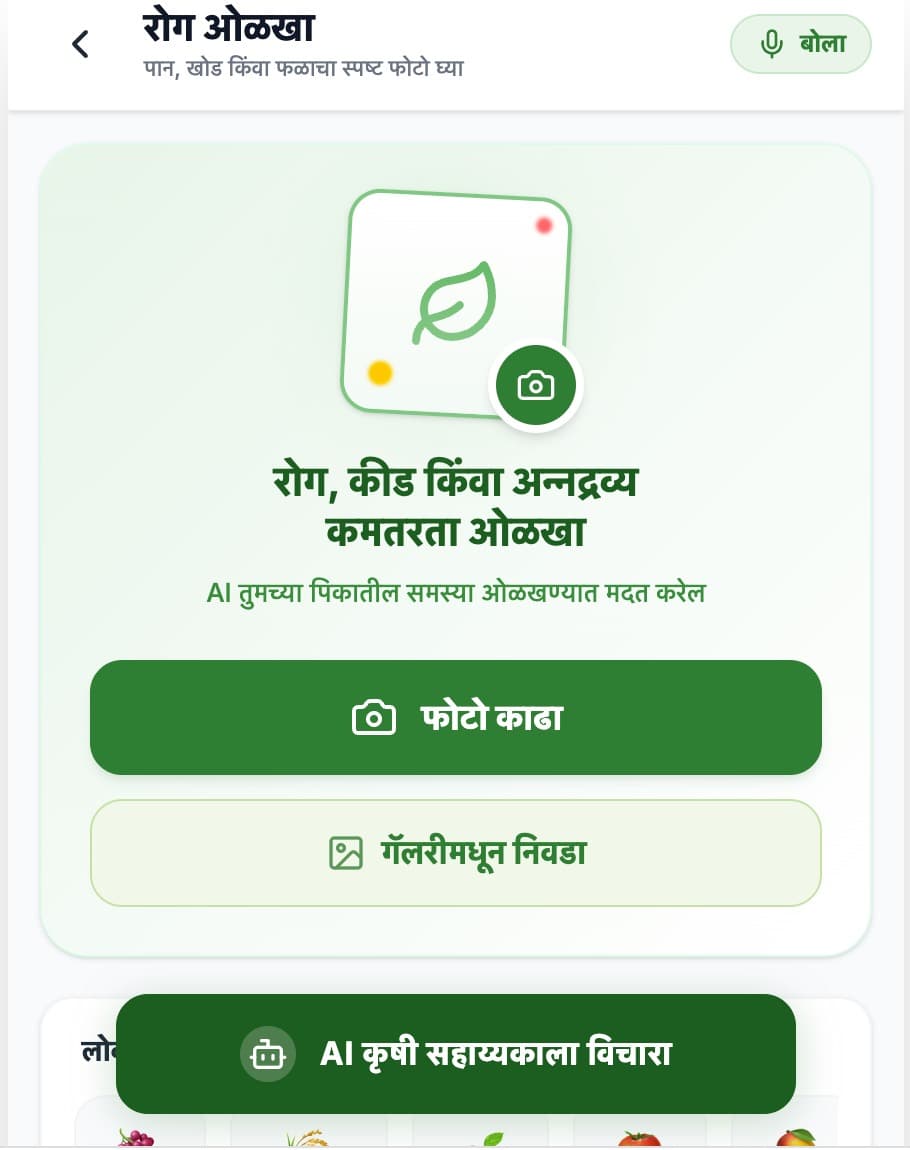
Actual test UI
Start with a crop photo
A clear first step to capture a photo or choose one from the device.
Current Marathi test screen • Other languages under validation
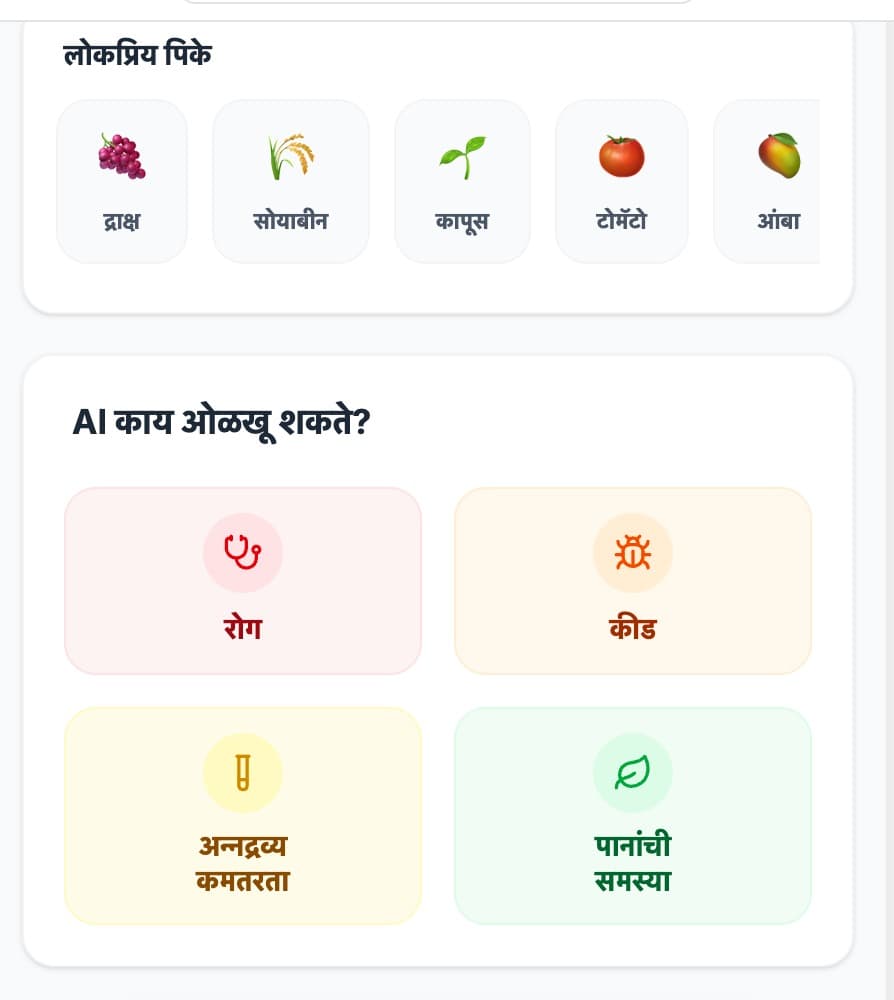
Actual test UI
Add crop and problem context
The flow asks for crop and issue context before any analysis result.
Current Marathi test screen • Other languages under validation
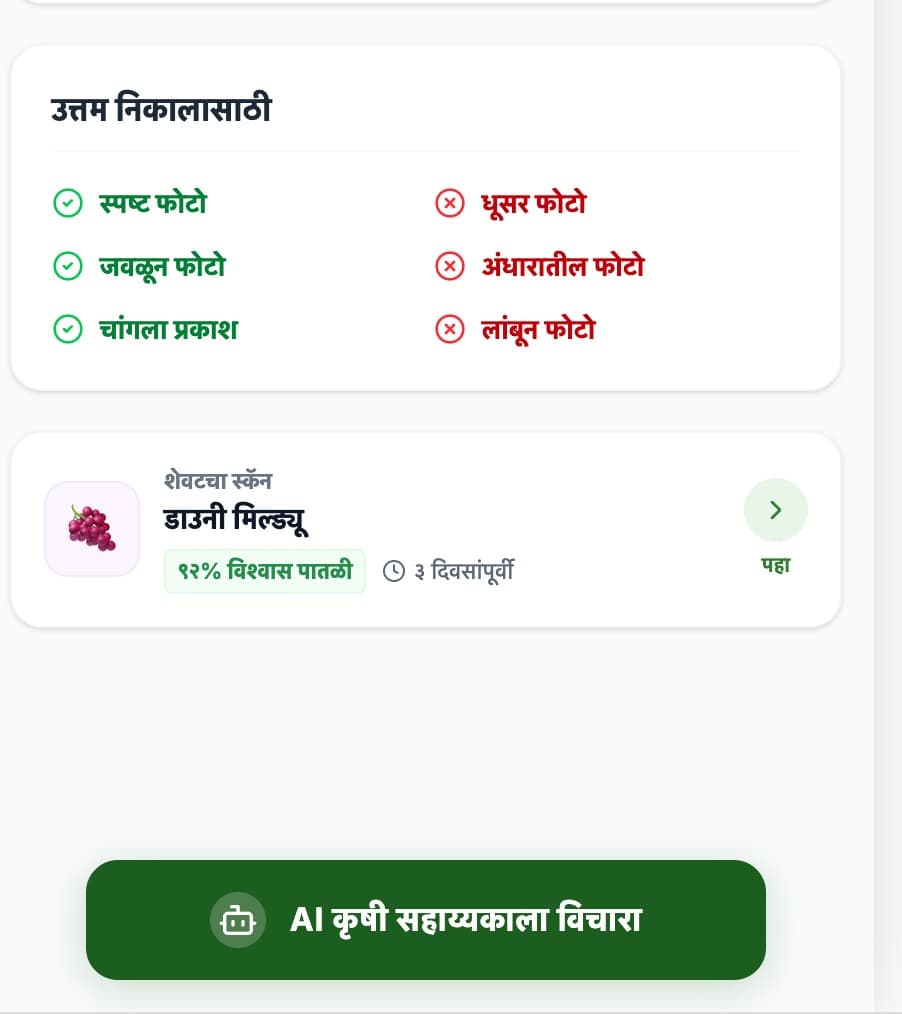
Actual test UI
Confirm visible symptoms
The farmer's own observation becomes part of the structured scanner flow.
Current Marathi test screen • Other languages under validation
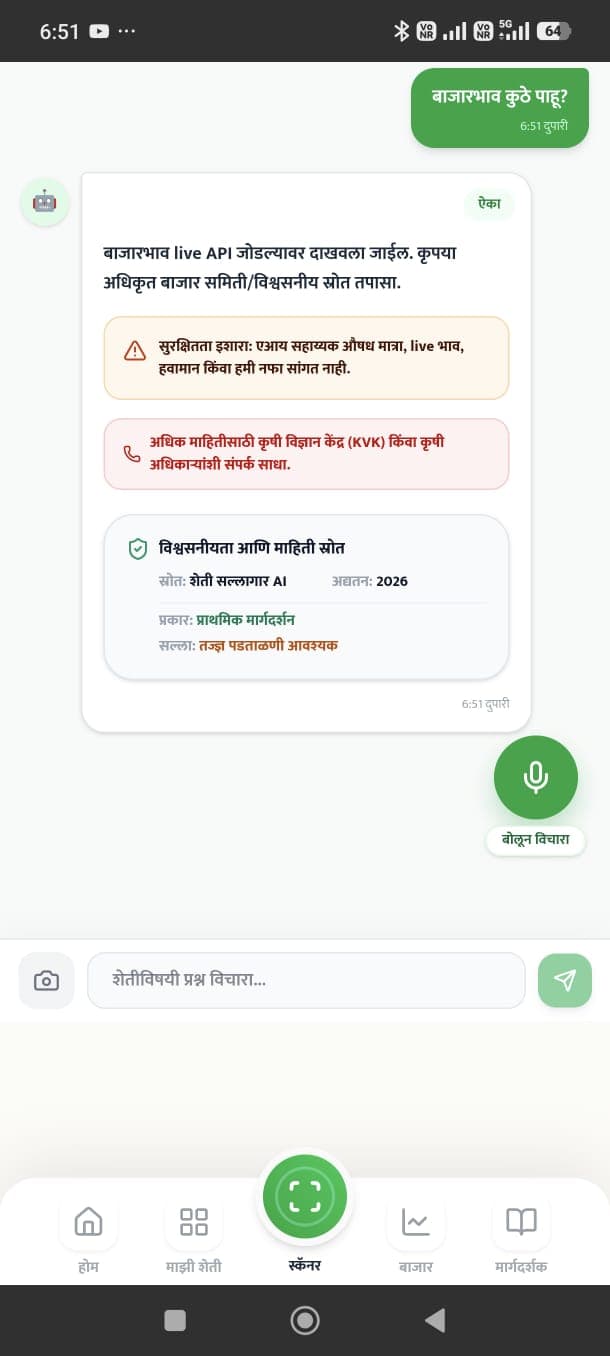
Actual test UI
AI boundaries made visible
The product states that AI assists and does not replace agricultural experts.
Current Marathi test screen • Other languages under validation
Features
How does the app work?
Every workflow balances farmer needs with the actual limits of technology.
Welcome
Privacy-audited test UIMarathi Welcome Experience
A calm, Marathi-first start for the farmer.
Current Marathi test screen • Other languages under validation
These five screens are selected from the actual test UI after privacy and claims audits. Screens containing personal details, live-looking data, or unverified results are not shown here.